Problem Description
A few days ago, I upgraded Go to
go1.14. When I needed to debug some code, GoLand displayed the following error:Version of Delve is too old for this version of Go(maximum supported version 1.12, suppress this error with –check-go-version=false)

This issue occurs because Go 1.14 does not install the delve tool by default, while debug requires it.
Solution
Download Delve
Open a terminal and navigate to the $GOPATH\src directory ($GOPATH is the goPath directory configured on your computer; mine, for example, is C:\Jalen\Programming\GoPath\src), then run the following command:
| |
This process may take a while because it downloads the Delve package locally and compiles it into an executable file.
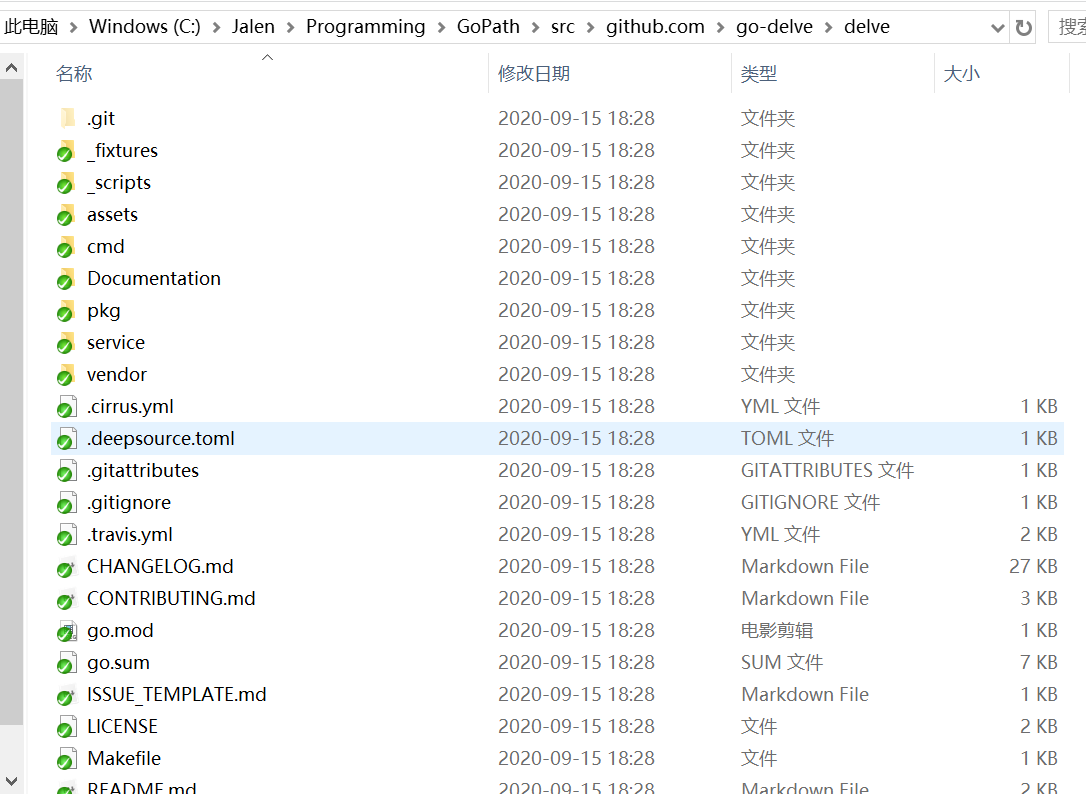
If the command succeeds, it will create the \github.com\go-delve\delve\ folder under the src directory and download the delve project into it, as shown below:
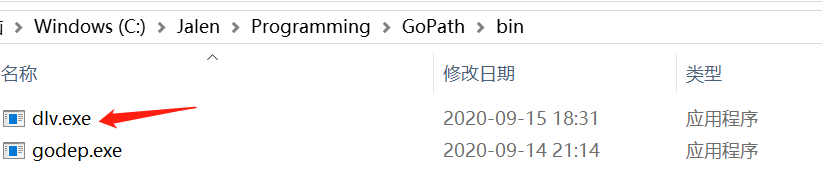
At the same time, the compiled dlv.exe file will be generated in the $GOPATH\bin\ directory, as shown below:
Solution for Download Failures
On some computers, running go get -u github.com/go-delve/delve/cmd/dlv may hang with no response in the command line, and the dlv.exe file is not generated. In this case, we can manually download the Delve project locally.
Create the
$GOPATH\src\github.com\go-delve\folder.In this folder, run
git clone https://github.com/go-delve/delve.gitto clone the project code locally.Navigate to
$GOPATH\src\github.com\go-delve\delvein the terminal and run the following command:
| |
After the command finishes, the
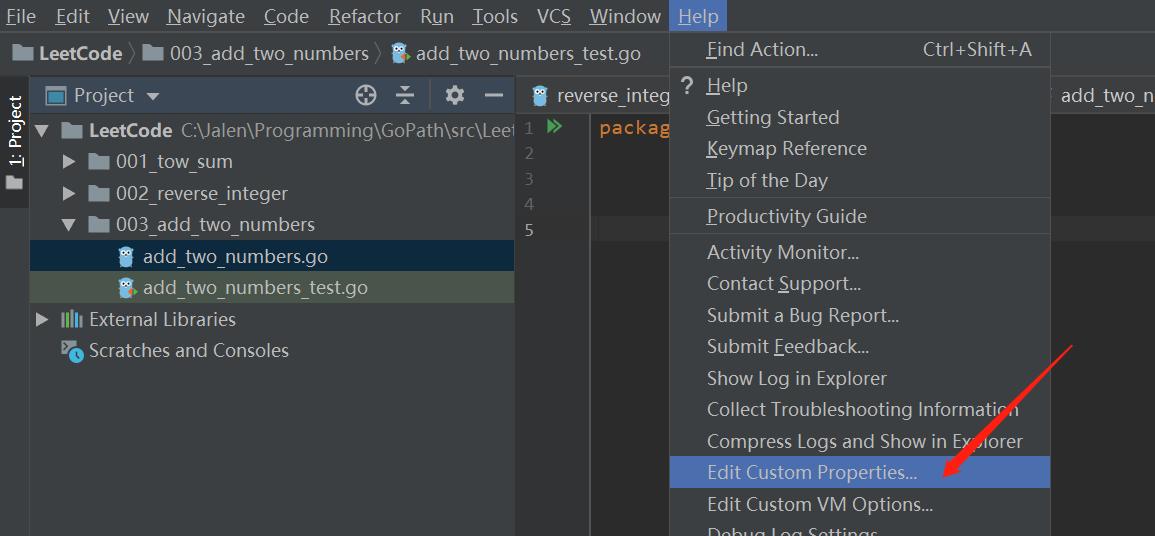
dlv.exeexecutable file will be generated in the$GOPATH\bindirectory.Configure GoLand to use this file by clicking Help > Edit Custom Properties…, as shown below.
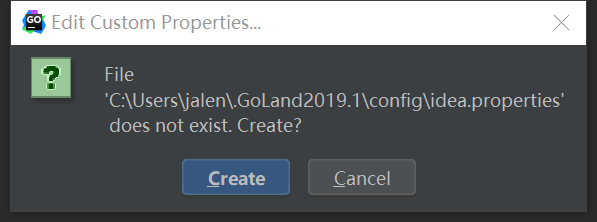
If you have not configured this in GoLand before, a create dialog box will appear. Click create.
- Enter
dlv.path=$GOPATH\bin\dlv.exe. For example, on my computer, I entered:
| |
Note that on Windows, you need to use double backslashes in the path: \\. You can also use forward slashes: /.
- Restart GoLand, and you will be able to use the debugger normally. Problem solved! ^_^